
Have you tried the floorplan stencils in draw.io? You can open the library directly by using the libs parameter, https://www.draw.io/?libs=floorplan. Or, you can enable them in your library section by clicking “more shapes” (bottom right) and ticking “floorplans”, then apply:
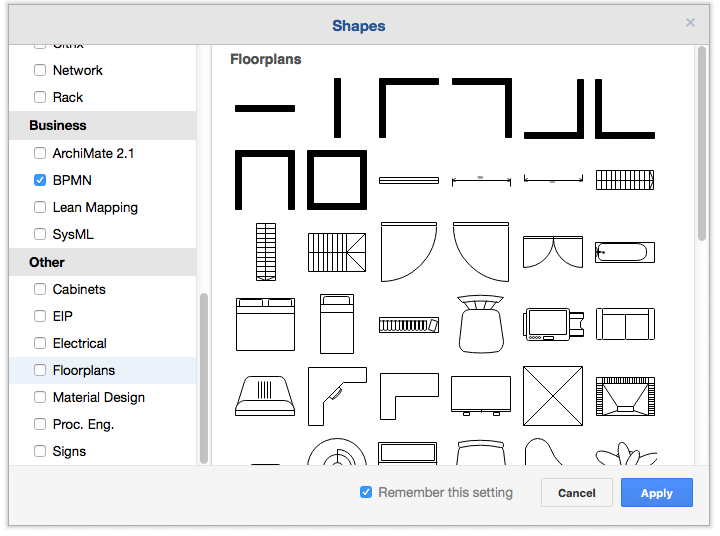
The floorplan library in the more shapes dialog in draw.io
Then you can place your pianos anywhere you like:
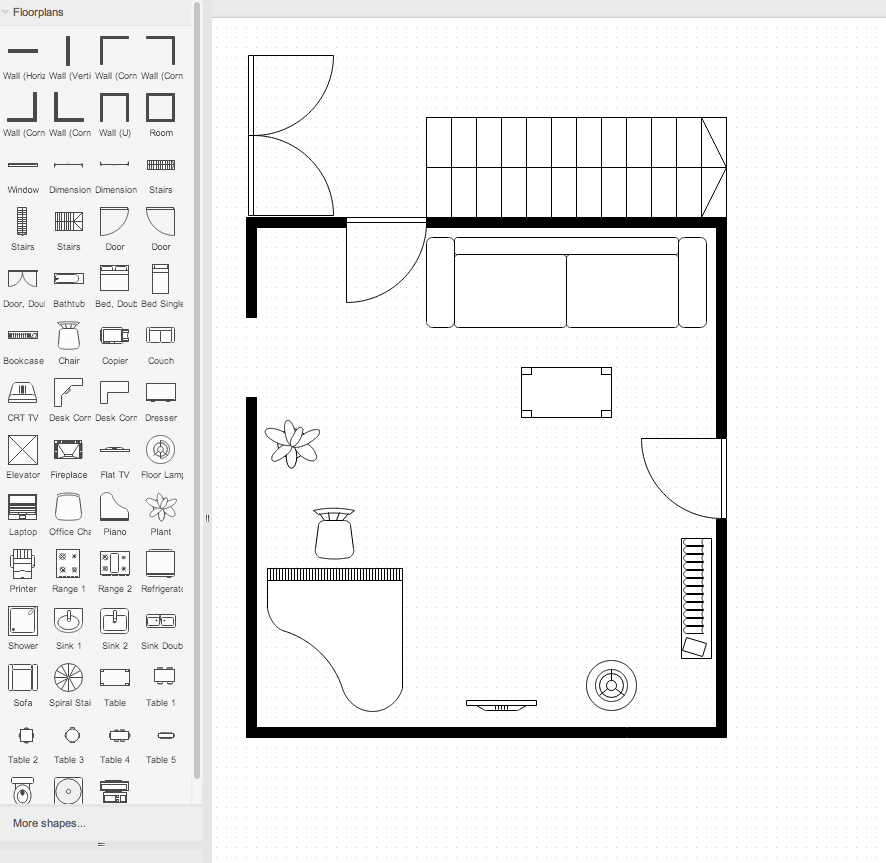
Example floorplan in draw.io
Last Updated on July 27, 2016 by Admin