


It’s no secret that draw.io is the most highly rated diagramming tool on Atlassian’s Marketplace. Apart from being easy to use, there are many different kinds of diagrams that you can create for use in your Confluence. From org charts, UML diagrams, and flow charts all the way to infographics - draw.io has something for everyone. With such a rich feature set, we wanted to make sure that you always have access to information on how to use all of it! We’ve put together draw.io cheat sheets where you can see all the most useful keyboard shortcuts. Keystrokes are for smart folks! Download for both MacOS and Windows:
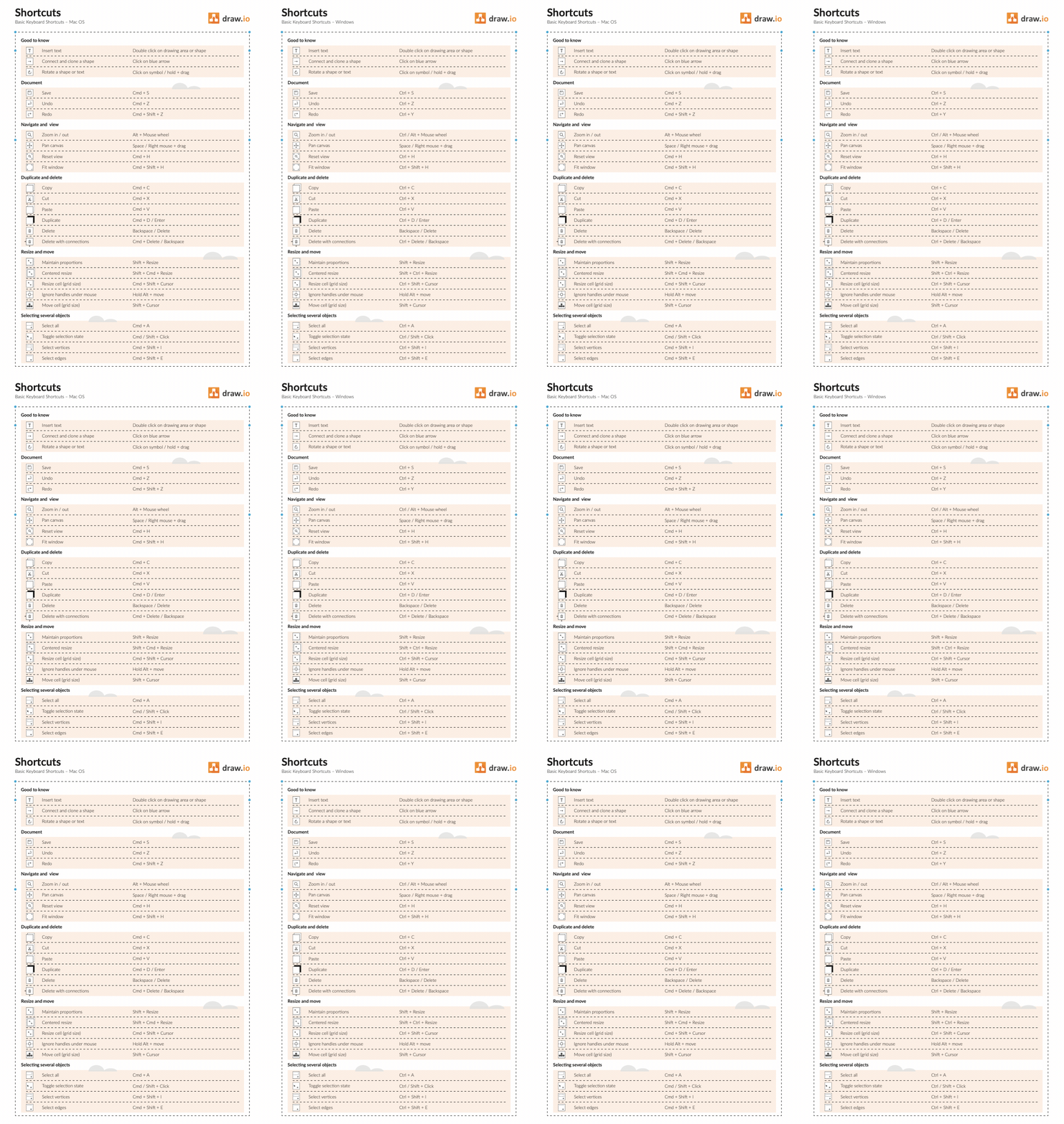
At some point, you’re going to advance your skills in draw.io and need something more comprehensive. No problem, we also happen to have the full list of all the keyboard shortcuts available for draw.io.

Ramp up your diagramming skills
Have you had a look at our Learning hub so you can extend your draw.io skills? Whether you are new to draw.io and diagramming or are an advanced user that needs a refresher, there are tutorials for everyone. Our step-by-step guides take out the guesswork and give you the tools to directly and efficiently set up the diagrams you need, no fuss.
Further information
The draw.io website and blogdraw.io: Professional Diagrams in Confluence and Jira Diagram versioning in Confluence: Integrated revision history with draw.io, not supported by GliffyDiagrams with draw.io for Confluence: Work with custom libraries