


There are many times when you simply want to update a diagram but don’t want to change any of the text on a page within Confluence. That’s easy to do with draw.io: Simply hover over the diagram while you are looking at the page in view mode to display the diagram’s toolbar, and click the edit button.
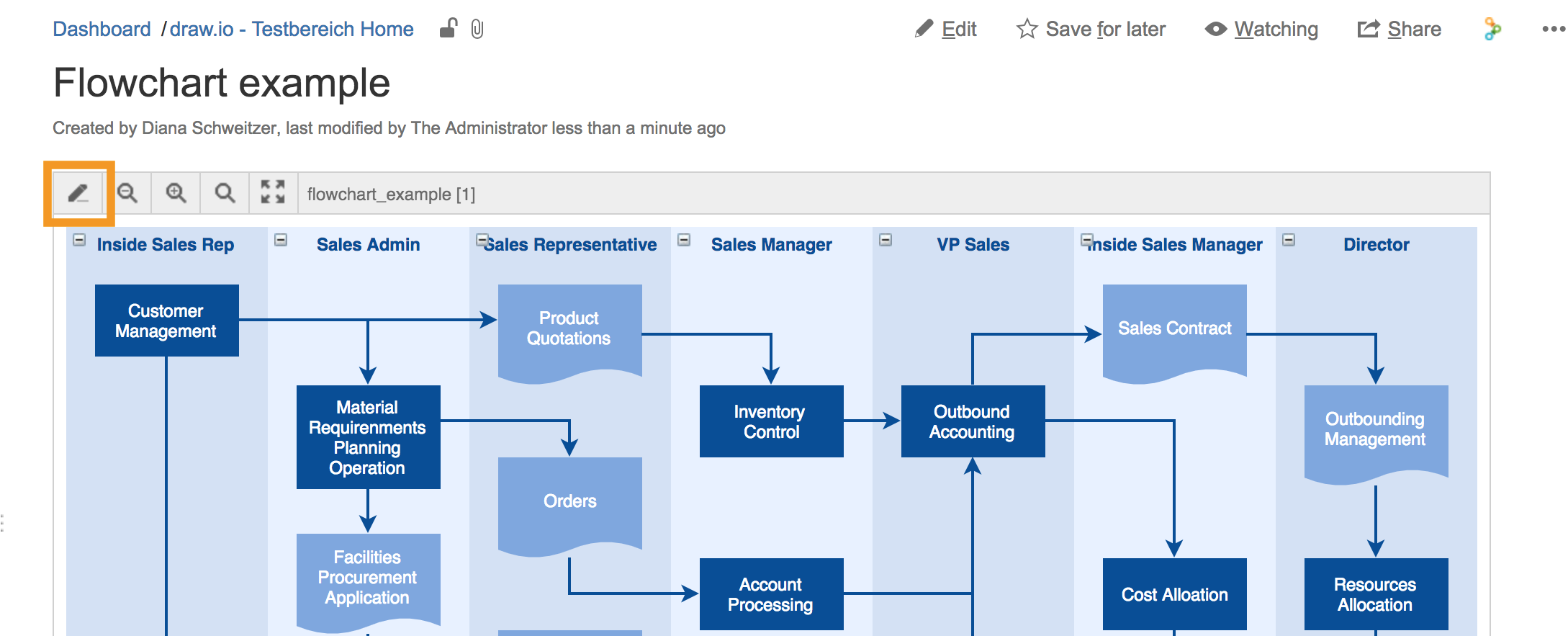
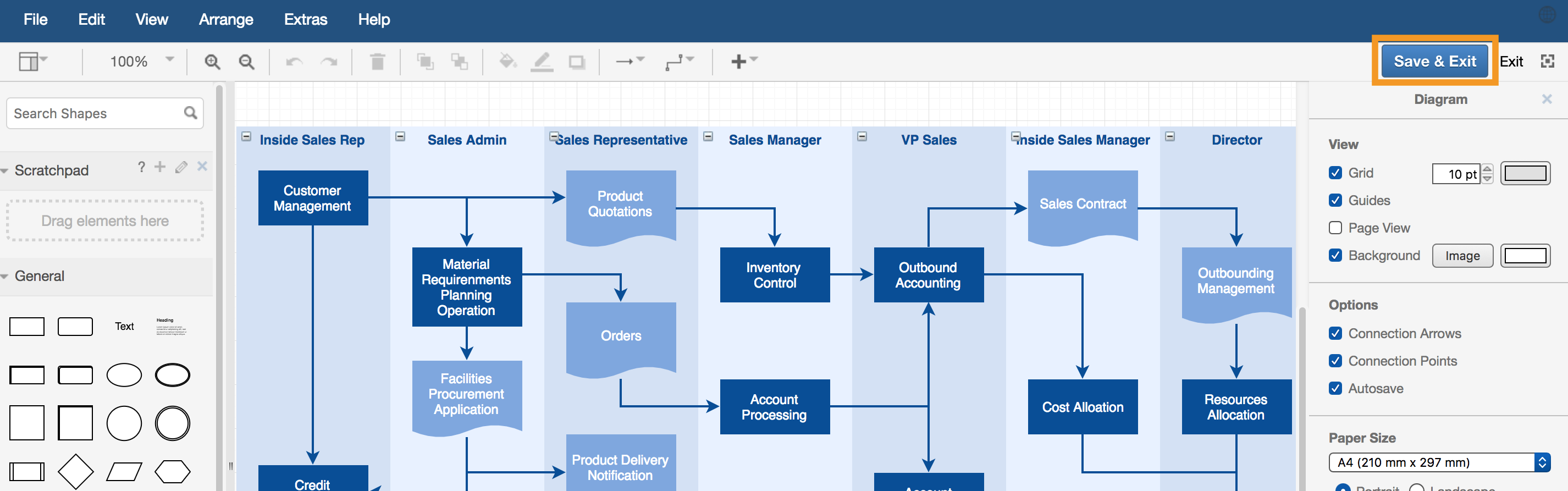
The diagram will be opened immediately in the draw.io editor. Once you have made your changes to your diagram, save and exit.
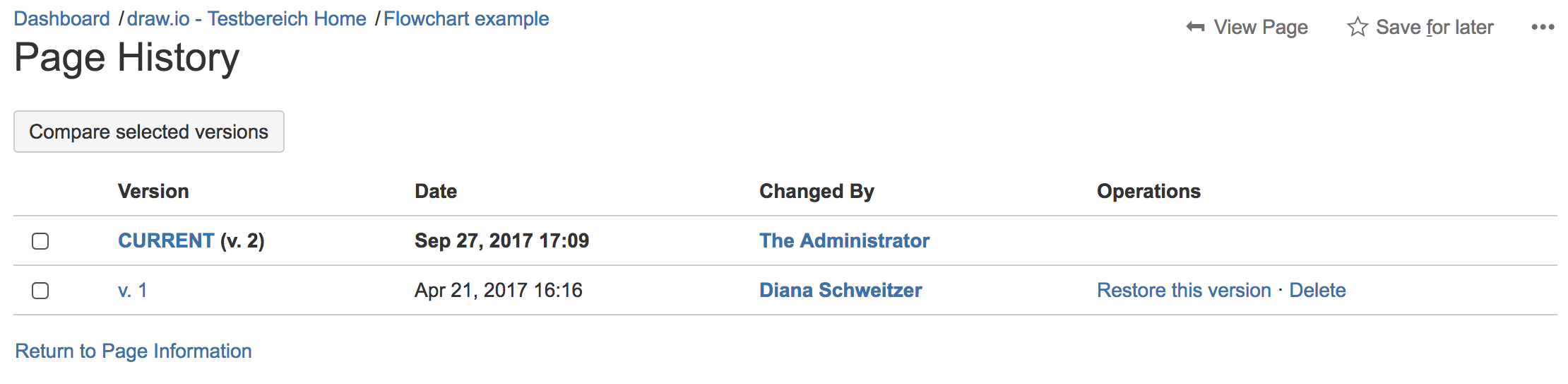
You’ll return to the page in view mode and you can see your updated diagram. If you regularly update diagrams, you can save time by editing your diagrams directly from view mode. This is very useful for business process diagrams, plans or layouts, or a variety of specification diagrams and mockups used within software engineering - these are typically not accompanied by much text. Tip: Editing a draw.io diagram from view mode creates a new version of the page, so you can feel secure in the knowledge that all of your changes will be tracked, both to the text on a page, and within diagrams.
Vote for your favorite new feature!
You can send us your feature requests, and we’ll put the most voted-for feature at the top of our development queue.