

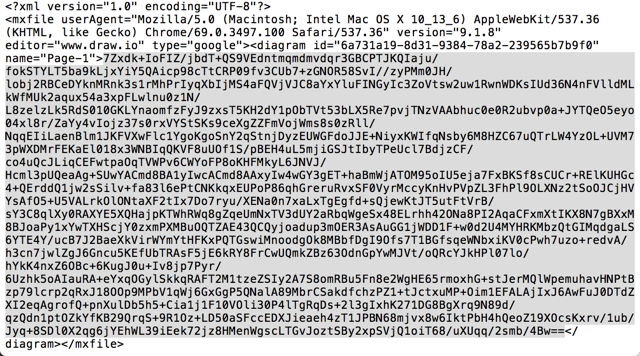
The default format for saving diagrams was changed some time ago from raw XML to XML compressed using standard deflate. The main reason for this was that when Google’s server are struggling a compressed file has a much better chance of writing. That said, the raw XML may be useful to see how the diagram is constructed. When you look at a compressed draw.io XML file, you’ll see something like the following (the grey highlighted text is your actual diagram data):
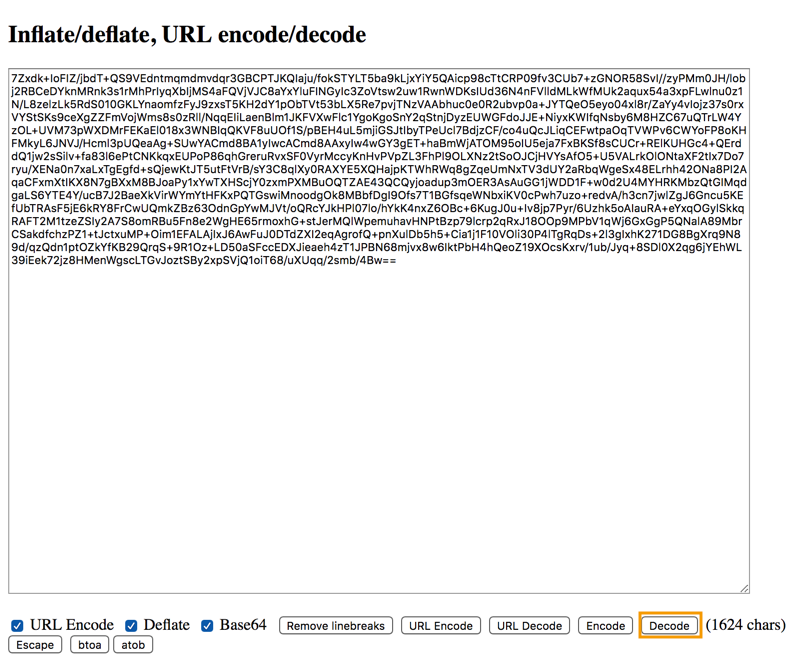
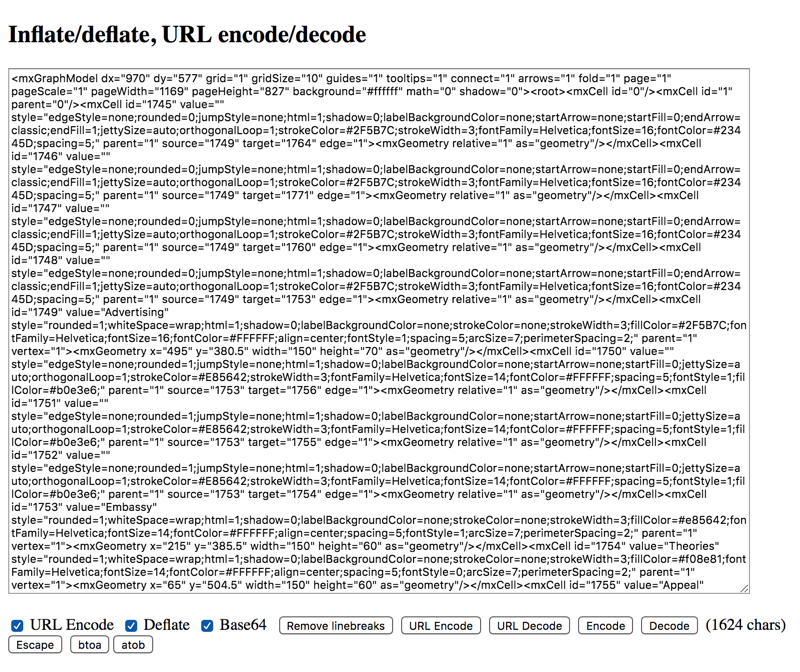
The part between the tags is compressed with the standard deflate process. You can copy and paste that into https://jgraph.github.io/drawio-tools/tools/convert.html, press Decode and you’ll get the raw XML back:
Edit the XML code in the draw.io editor
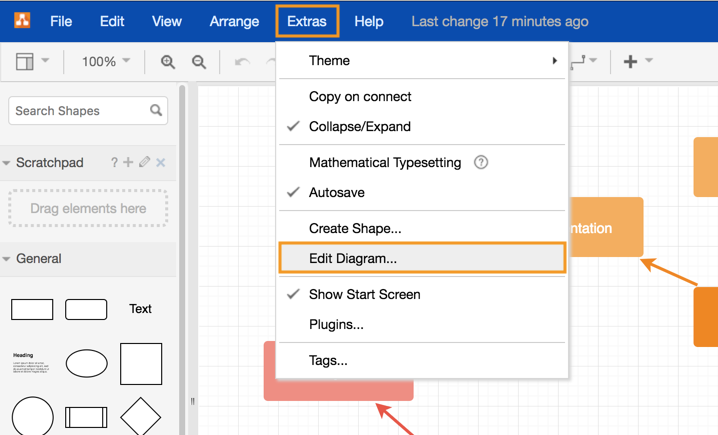
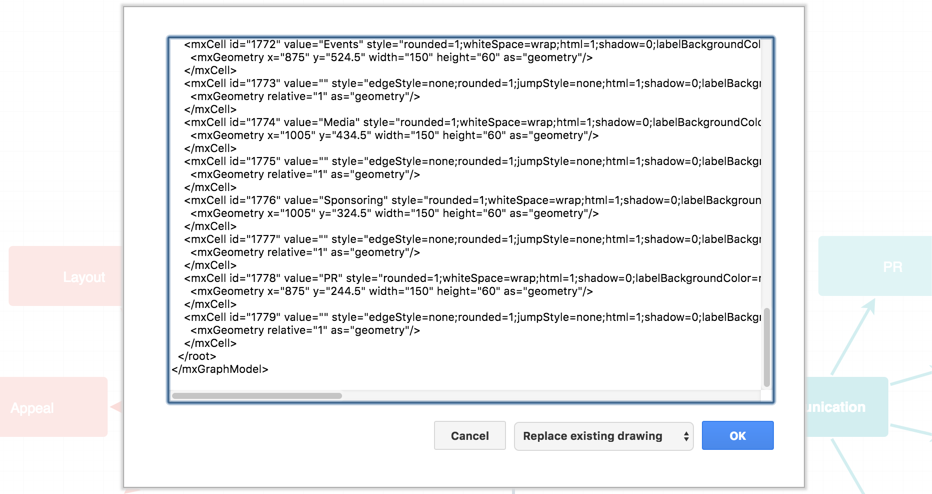
If you don’t want to use the extra inflate/deflate tool, you can also see your diagram’s XML code and edit it directly, or to copy it into a text editor. Click on Extras > Edit Diagram to view and edit your diagram’s XML code.