
Sign up for our free webinar Visualize it: The Secret of High-Performing Teams

Sign up for free webinar

About Belinda Roozemond

Content Creator at Seibert Group / draw.io

Bring your external diagrams into Confluence Cloud.

Embed existing diagrams in Confluence Cloud

Here at draw.io, we may be biased in our love for our diagramming tool, but with good reason. It’s easy, functional, and has many features that help your daily work in Confluence run smoothly. Perhaps, like some of us, many of you have switched to remote…


By Belinda Roozemond|

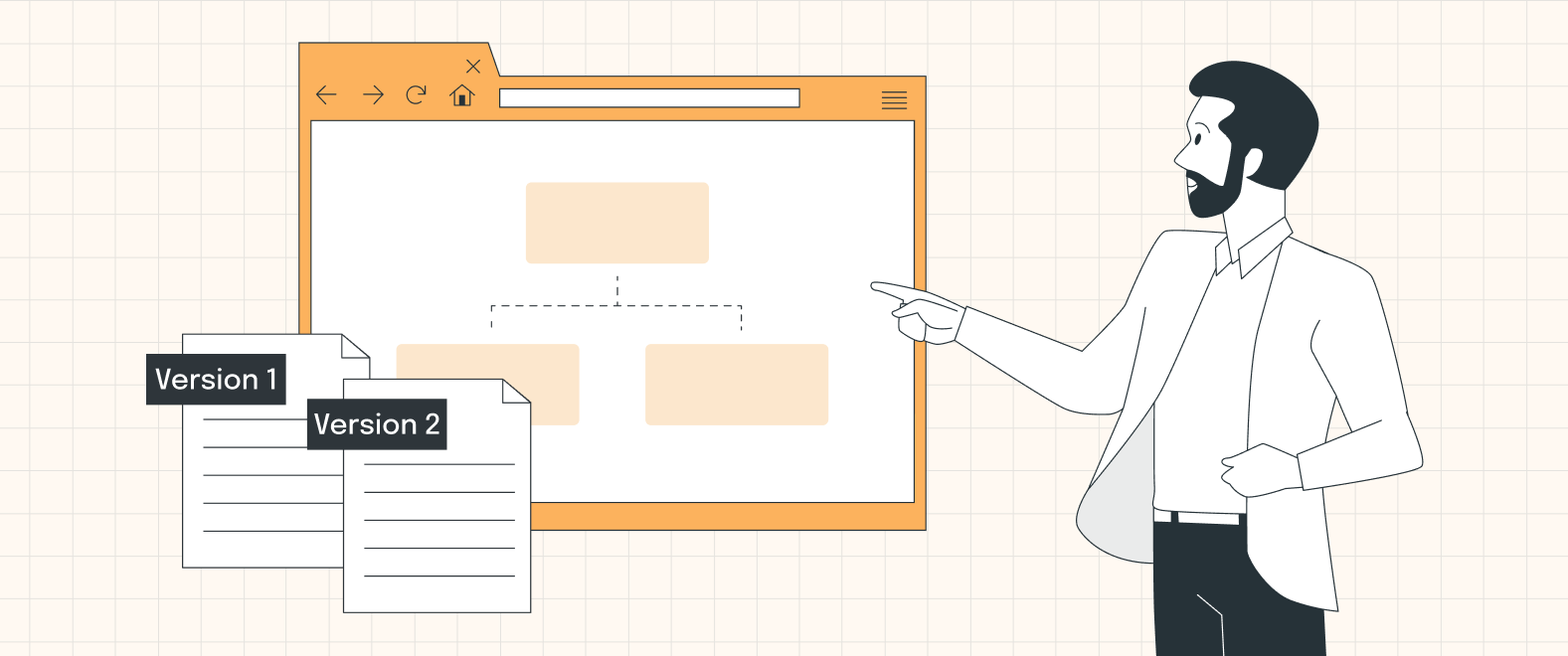
Illustration of a man pointing to a diagram inside a browser window, with Version 1 and Version 2 document cards stacked in front — representing draw.io diagram revision history in Confluence

Versioning for draw.io in Confluence

This blogpost has since been updated. Please see: A vision of revision in Atlassian Confluence In many parts of the world, the leaves have started to change color, which means Autumn has arrived. Change is, in many cases, inevitable, and we know that being…

By Belinda Roozemond|

flowcharts in draw.io

Flowcharts in draw.io - how to go with the flow

Creating flowcharts in draw.io is easy and efficient, and everyone loves a good flowchart because they are versatile. They can be used to display the simplest of processes, like trying to decide if you need to buy new socks or not, all the way to complex…

By Belinda Roozemond|

simplify diagram navigation

Simplify diagram navigation in draw.io

The summer has been very hot over here at draw.io and that means making our lives as simple as possible - including how we're diagramming. What better way to beat the heat than to share our tips on how to simplify diagram navigation in draw.io? That way, you…

By Belinda Roozemond|

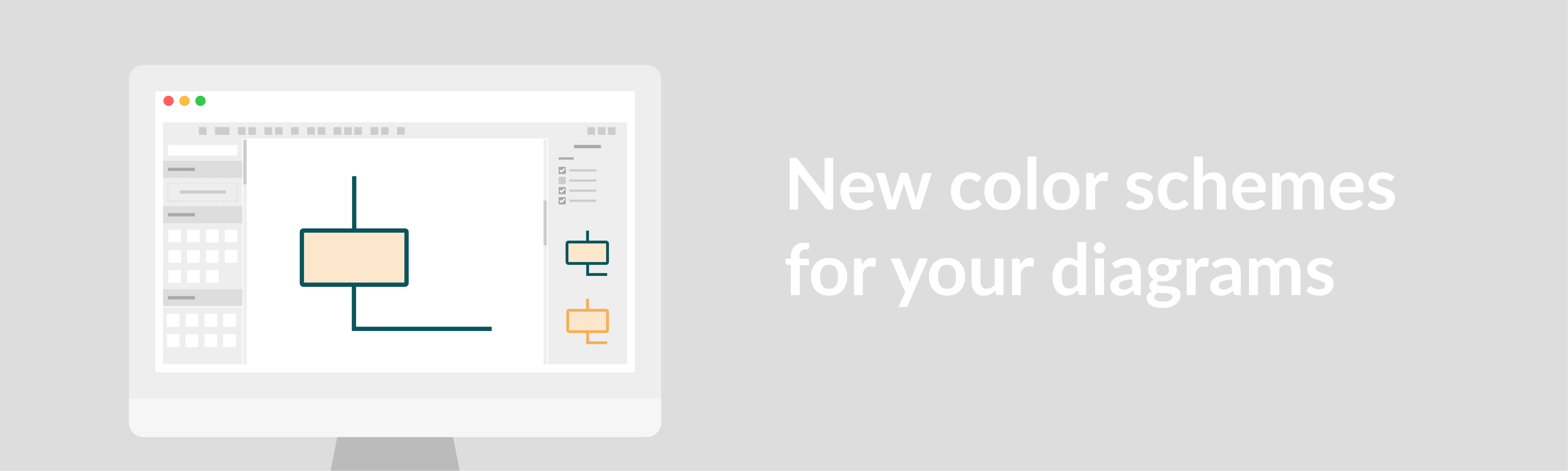
draw.io styling options

New draw.io styling options - fresh color schemes

You're not seeing things, it's still July. But we've been able to share so many new features the last few weeks that it's felt like Christmas! To go along with the revamped table features, being able to double click to add a new shape and a slew of new video…

By Belinda Roozemond|

Do more with draw.io

Do more with draw.io - Quick tips

There's nothing we love more here at draw.io than giving you that "Oh cool! I didn't know that it was possible to get that done even faster" moment. With so many helpful features and functions, it is sometimes easy to forget that even the smallest shortcuts…

By Belinda Roozemond|

draw.io is a more efficient and effective diagramming tool than Gliffy

Gliffy vs draw.io

For an updated version of this blogpost see, The Ultimate Guide: Migrating to draw.io from Gliffy Thank you for placing your trust in us and letting us be part of the inner circle of diagramming candidates in Confluence and Jira. Are you trying to decide…
By Belinda Roozemond|

Tables in draw.io got a makeover

Tables in draw.io got a makeover

Last week we brought you our new Sketch feature and this week, we're dusted off our ol' html-based tables and gave tables in draw.io an amazing makeover. The tables are still tables, just better So what actually got overhauled? You might recall that…

By Belinda Roozemond|

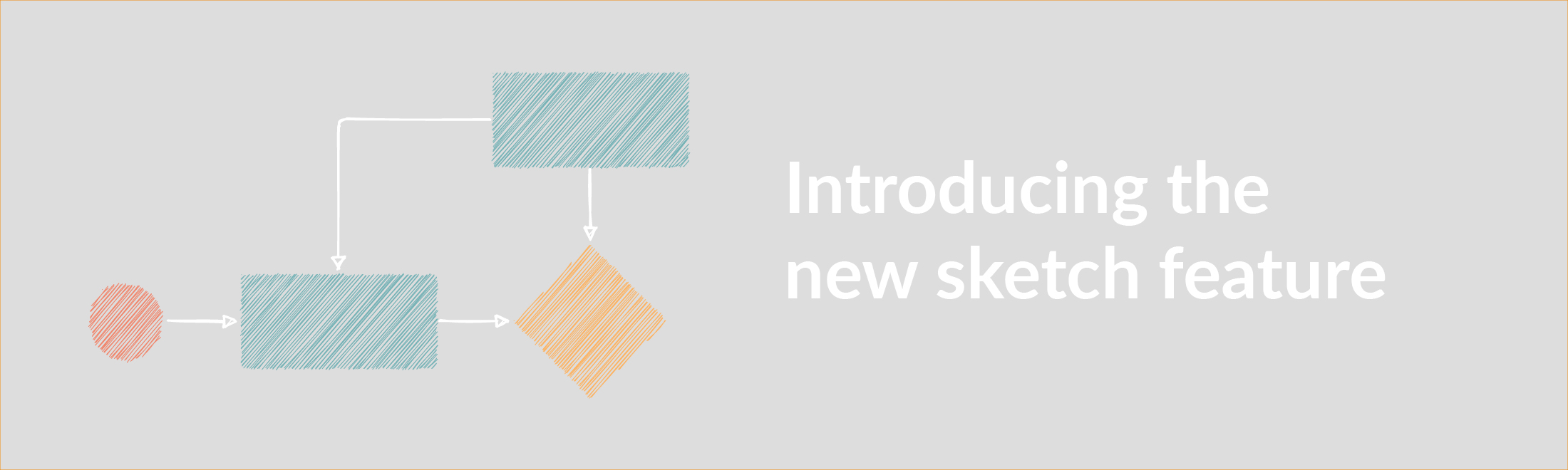
draw.io sketch feature

Introducing draw.io's new sketch feature

I don't know about you, but we here at draw.io love that new car smell. We obviously can't offer you a new car, but what we can do is give you brand new features. Say hello to our shiny and new sketch feature. If you enjoy customizing the way your diagram…

By Belinda Roozemond|

Increase productivity with Infographics in draw.io

Increase productivity with Infographics in draw.io

The dawn of the infographic Since the time of the wooly mammoth, humans have been telling stories through pictures. Early humans gave fellow cave dwellers information via the pictures on the walls: where the best hunting grounds were and their latest…

By Belinda Roozemond|

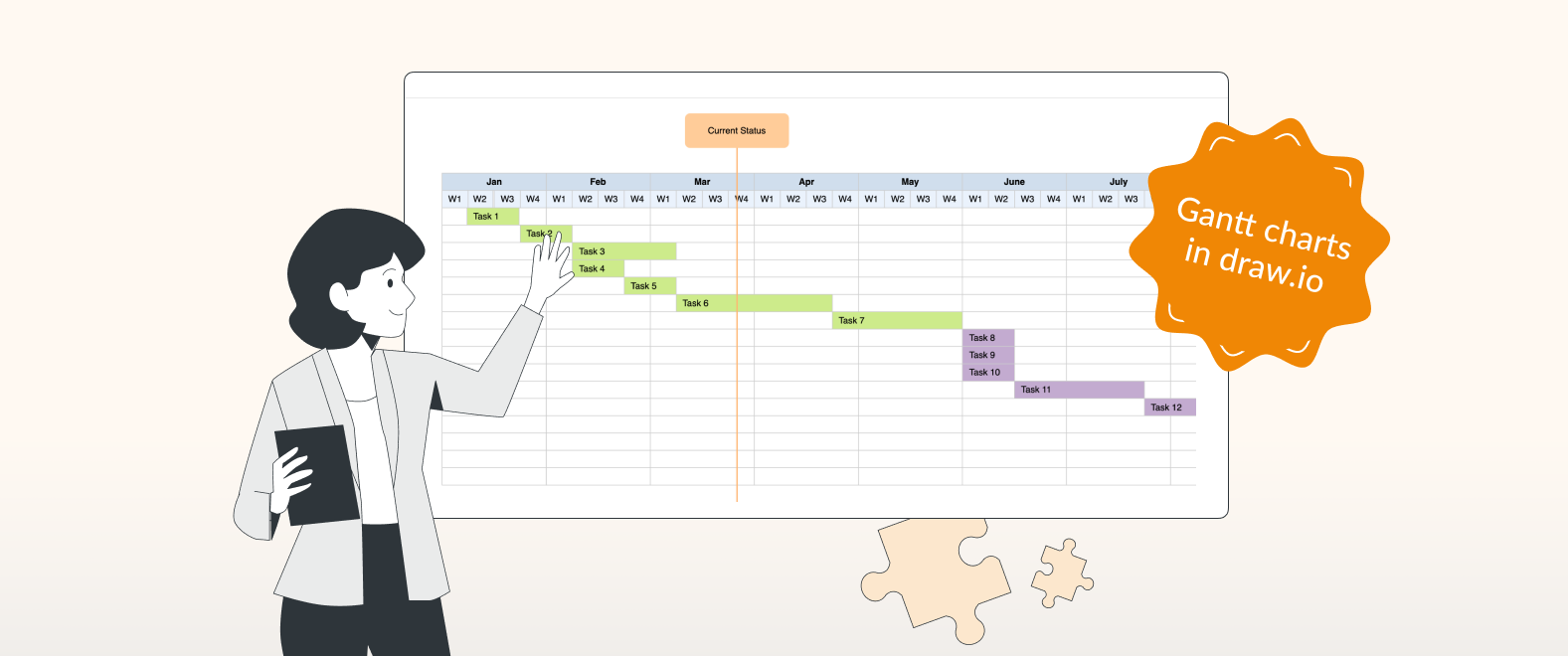
Increase productivity with Gantt charts in draw.io

Increase productivity with Gantt charts in draw.io

Please note: Since this article was published, you can now also create Gantt charts using AI with our Smart Template feature. Learn more here. Ahhh multitasking, the sometime red-headed step-child of productivity and efficiency. There are many die-hard fans…

By Belinda Roozemond|

increase productivity with mindmaps

Increase productivity with mind maps in draw.io

draw.io's Jack-of-all-Trades: Mind maps Do you remember that one kid in school that was good at everything? That's mind mapping for you. From the visualization of your project tasks for the week to learning vocabulary for a test, mind maps are versatile and…

By Belinda Roozemond|

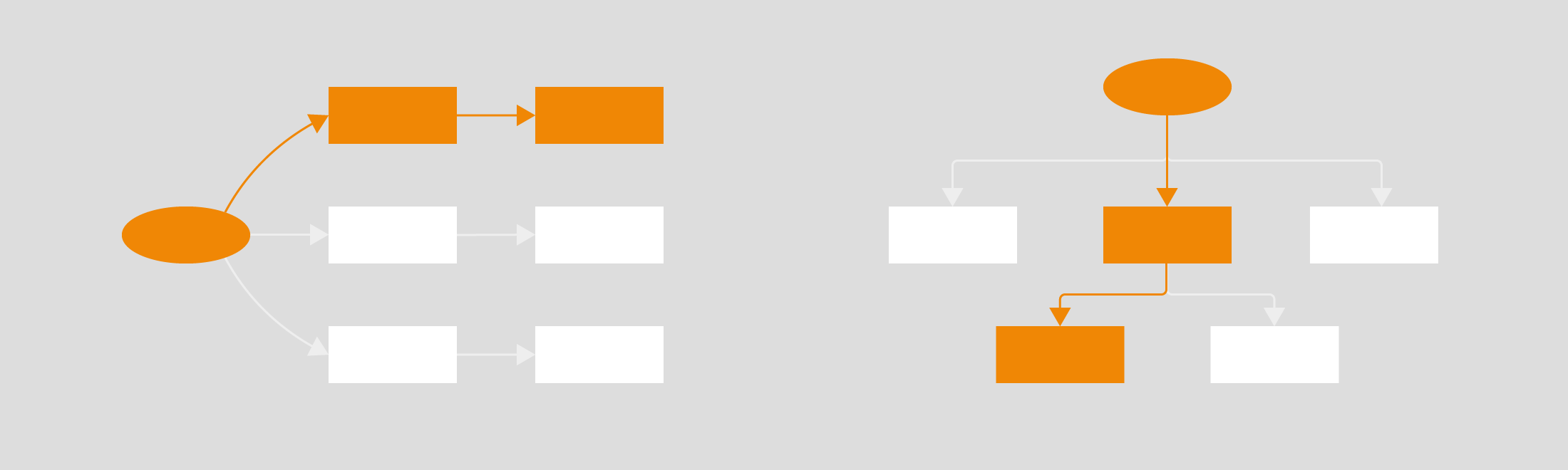
Folding and moving trees in draw.io

Folding and moving trees in draw.io

With spring drawing to a close in most places around the world, it might be a great time to talk about trees. Just like in nature, there are many kinds of trees that you can create. Folding and moving trees in draw.io is easy and I promise there is no origami…

By Belinda Roozemond|

Onboarding with draw.io in HR part 3: Orientation

Onboarding with draw.io in HR part 3: Orientation

By now, you've taken a look at how visualization in onboarding can help streamline many of the processes involved in hiring. The job application-to-onboarding process is a lot like dating. There is a whole series of socially acceptable steps that go into…

By Belinda Roozemond|

Onboarding with draw.io in HR part 2: Induction

Onboarding with draw.io in HR part 2: Induction

Settling in: Induction Last week we spoke about the 1st step of the onboarding process: Preparation. That means that the employee has arrived for their first day of work. You've used draw.io to create a flow chart to map out all the tasks necessary. And…

By Belinda Roozemond|

Onboarding with draw.io in HR part 1: Preparation

Onboarding with draw.io in HR part 1: Preparation

All aboard the onboarding train! Almost everyone reading this has applied for a job and gone through the whole interview-to-job acceptance process. What do you remember the most about your experience as a new hire? Have you had more negative or positive…

By Belinda Roozemond|

Learn to create a diagram in draw.io, within the diagram creation process itself.

Learning draw.io part 4: Interactive Tutorials

Learn draw.io within draw.io In the final installment of our learning series, we showcase our interactive tutorials. What sets our interactive tutorials apart from others? Regular tutorials make you keep multiple windows or tabs open if you want hands-on…

By Belinda Roozemond|

Get things done faster with keyboard shortcuts in draw.io

Learning draw.io part 3: Shortcuts

Keyboard Shortcuts - Keystrokes for smart folks! One of the things that our draw.io friends love the most about draw.io is how efficient it is to use. Now imagine that you can make things even more efficient. Too good to be true? Not with draw.io. Get things…

By Belinda Roozemond|

Hands-on training with the draw.io Step-By-Step-Guide

Learning draw.io part 2: Step-By-Step Guides

Learn draw.io step-by-step with our guides Last week, we talked to you about our video tutorials to help you get your feet wet with draw.io. This week, we're diving deeper into draw.io and looking at our step-by-step guides designed to give you hands-on…

By Belinda Roozemond|

Learn how to diagram in less than 20 mins with the draw.io video tutorials.

Learning draw.io part 1: Video Tutorials

April is a great month to kick off your draw.io learning With the way things are in the world right now, many of us are at home and perhaps have exhausted all the options we've had in terms of entertainment. There is no better time, therefore, to learn…

By Belinda Roozemond|

Atlassian Remote

Atlassian Remote Summit 2020

As you already may know, the Atlassian Summit in Vegas was canceled due to the outbreak of Covid-19. No one was as disappointed as we were that we couldn't meet all our draw.io friends in person. However, Atlassian wanted to still offer their beloved Summit…

By Belinda Roozemond|

Quickly create a basic diagram with the draw.io layout function.

Diagramming in the fast lane with draw.io

The layout function in draw.io What exactly is the layout function and why would you want to use it? The real question is why wouldn't you? You all already know that working with draw.io is easy and efficient but our layout function gives you the means to fly…

By Belinda Roozemond|

Find what you need quickly to get up and running with draw.io.

Finding your way around our website: Orientation 101

You've probably noticed by now that we've relaunched our website and we hope you've been enjoying what you've seen so far. Back in February, we wrote about our relaunch and briefly touched upon how you can navigate around the site. However, we wanted to…

By Belinda Roozemond|

We relaunched the gliffy mass import portal and put all the information you could possibly need in one place.

Gliffy Mass Import Portal relaunch

Migration is not just for the birds Gliffy may be the oldest diagramming app in the Atlassian world, but draw.io has been the highest-rated Confluence app in the Marketplace since 2013 for a reason. We can have you up and running with draw.io in 3 steps, so…

By Belinda Roozemond|

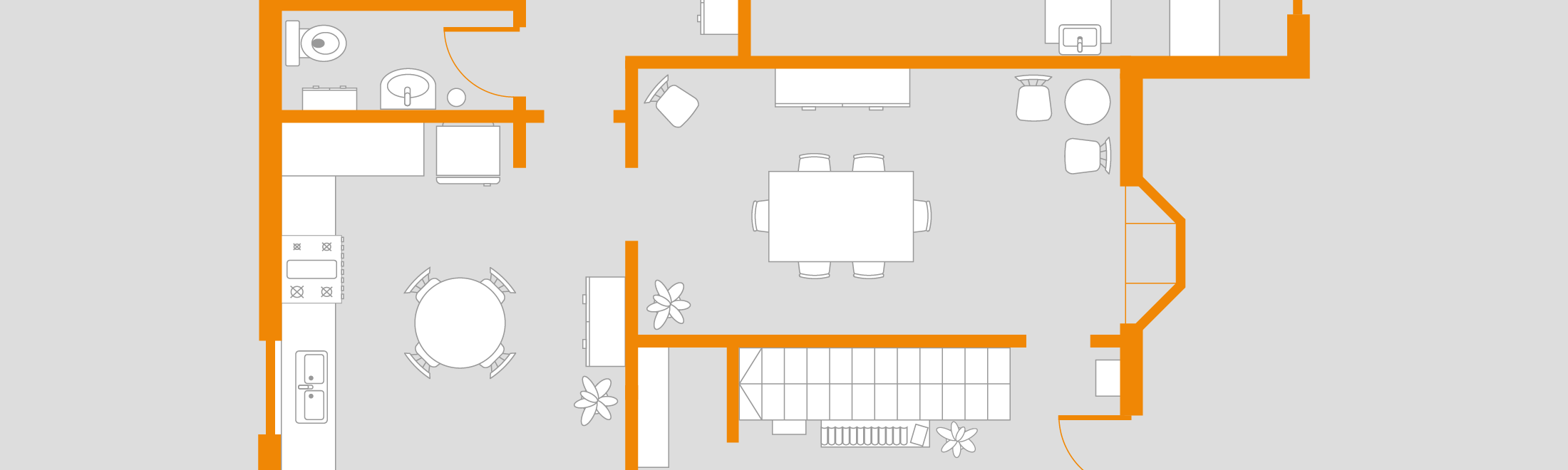
With draw.io you have the possibility to create your own floor plans.

Create floor plans with draw.io in Confluence

Floor plans: Diagrams with a Birds-Eye View Even if you haven't really gotten into diagramming yet, chances are that you know still know what a floor plan looks like. Floor plans are super useful and not just when you want to buy a house or rent an apartment,…

By Belinda Roozemond|

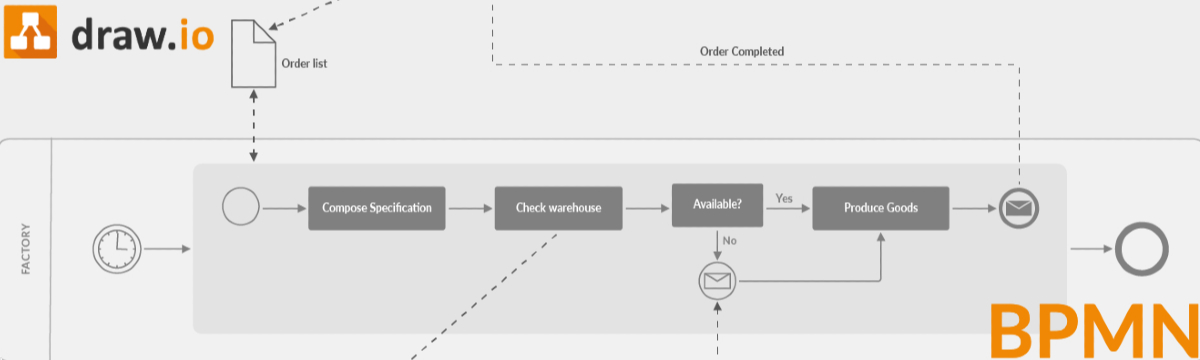
Exploring BPMN shape libraries in draw.io

Exploring BPMN shape libraries in draw.io

You will never hear anyone say "No thanks, I don't need to optimize any of our processes so that we can work more efficiently and productively". That means we all have occasion to take a closer look at our internal workflows and see how we can streamline…

By Belinda Roozemond|

draw.io diagrams for Software development processes

draw.io diagrams for Software Development processes

For those of you out there that are involved in software development, have you ever thought about using draw.io diagrams for software development processes? In order to better document and work through the process of optimizing an app for Linchpin Intranet in…

By Belinda Roozemond|

Export your draw.io diagrams as a PDF.

Exporting draw.io diagrams as PDFs outside Confluence

Like most of our customers you probably will create diagrams using draw.io within Confluence. Once in a while you may still have to export those diagrams for various reasons including... 1. ...sharing your diagrams with a third party that doesn't have access…

By Belinda Roozemond|

Experience the power of draw.io

How would you like to explore?

draw.io Digest – Subscribe to our Newsletter

Yes, I would like to receive the draw.io for Confluence and Jira newsletters, whitepapers, the latest blog posts, and announcements. (You can unsubscribe at any time.)

For more information about our data usage, please refer to our privacy policy.

Here you will find an overview of all cookies used. You can give your consent to whole categories or display further information and select certain cookies.