
Zooming now centers by mouse position
Previously, in draw.io, when you zoomed using alt+mousewheel, the diagram zoomed relative to the center point on the screen. Now zooming is centered around the current mouse position.
By Martin Seibert|
Sign up for our free webinar Visualize it: The Secret of High-Performing Teams
Sign up for free webinarPreviously, in draw.io, when you zoomed using alt+mousewheel, the diagram zoomed relative to the center point on the screen. Now zooming is centered around the current mouse position.
By Martin Seibert|
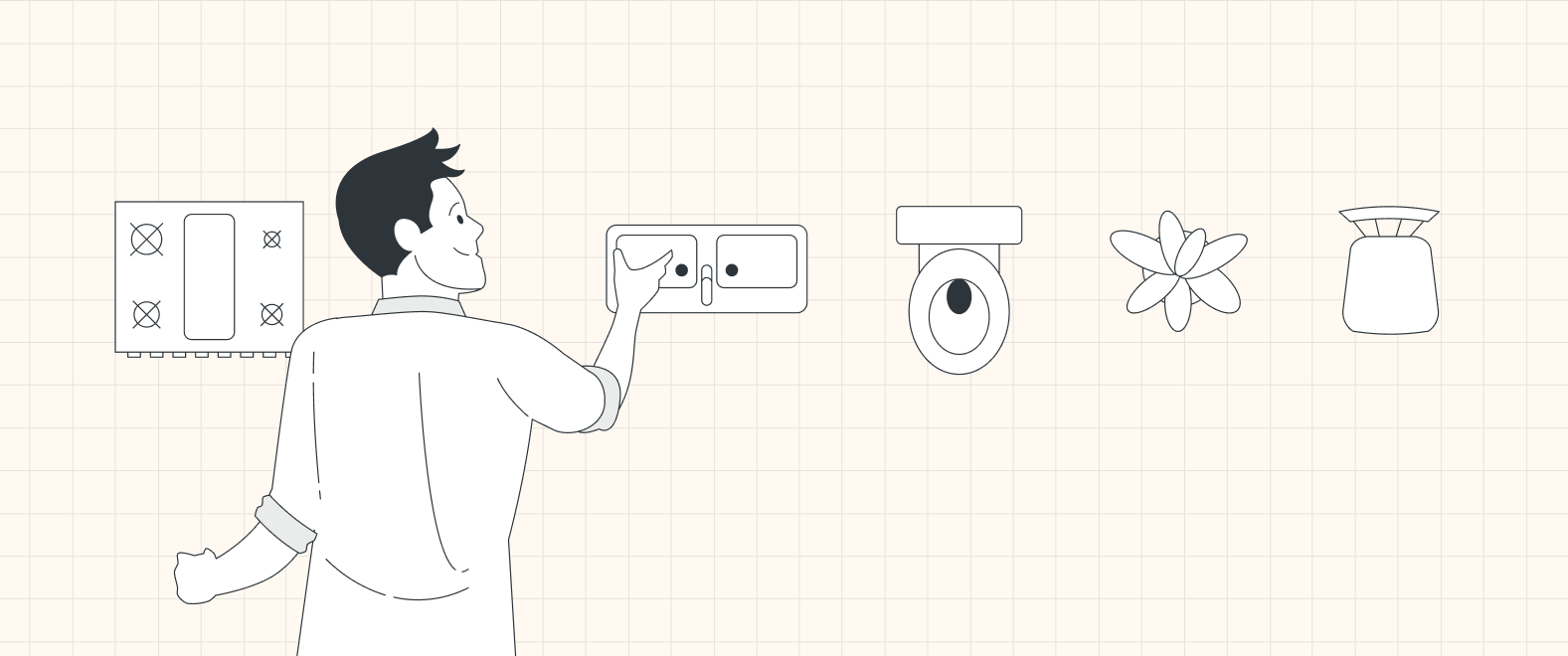
Have you tried the floorplan stencils in draw.io? Enable them in your library section by clicking + More shapes in the bottom-left of the editor, selecting Floorplans, then hitting Apply. You can then place your tables, chairs, pianos… anywhere you like!
By Martin Seibert|
An updated version of this blogpost can be found here, Use custom properties including tooltips, custom links, and placeholders in draw.io draw.io 5.5.4.0 adds a special field called "placeholder" in the metadata of cells. Setting "placeholder" as the key…
By Martin Seibert|
You can embed draw.io diagrams as image files into your web pages if you don't want to use one of the third-party integrations. This works for all types of web pages, as long as your system doesn't limit the length of addresses or special characters in image…
What are the advantages of using draw.io over Gliffy? What extended functions does Gliffy include, that draw.io does not have? draw.io allows the creation of a diverse range of diagrams within Confluence and JIRA via an intuitive and responsive interface.…
By Martin Seibert|

Seibert Group
We usually reply within a few minutes
Our chat is provided by HubSpot. Loading it also loads HubSpot's visitor tracking and advertising pixel on this site. Please agree to use the chat. Further information on data privacy