Sign up for our free webinar Visualize it: The Secret of High-Performing Teams

Sign up for free webinar

Blog — customization

85 Results for: customization

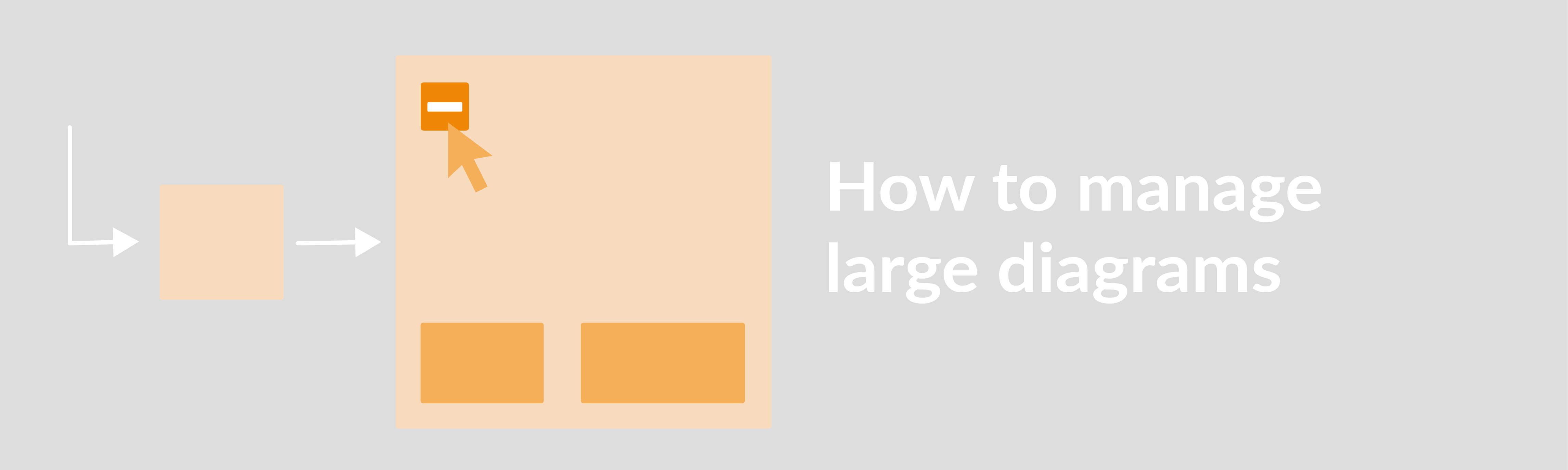
Taming Large Diagrams for a More Streamlined Overview

Taming Large Diagrams for a More Streamlined Overview

We like to talk about the power of visualization in the dissemination of information. And diagrams are a great way to do that. But sometimes you’ve got a lot of information to impart. So how do you manage those big diagrams? How do you ensure that users get…

By Brad Boesen |

More draw.io Shortcuts to Streamline Your Diagramming

More draw.io Shortcuts to Streamline Your Diagramming

draw.io has made its name on being not only powerful but easy to use. The overall vibe of draw.io is one of intuitiveness, but when there are so many time-saving shortcuts to be had, it’s easy to sometimes overlook some of them. We’ve already told you about…

By Brad Boesen |

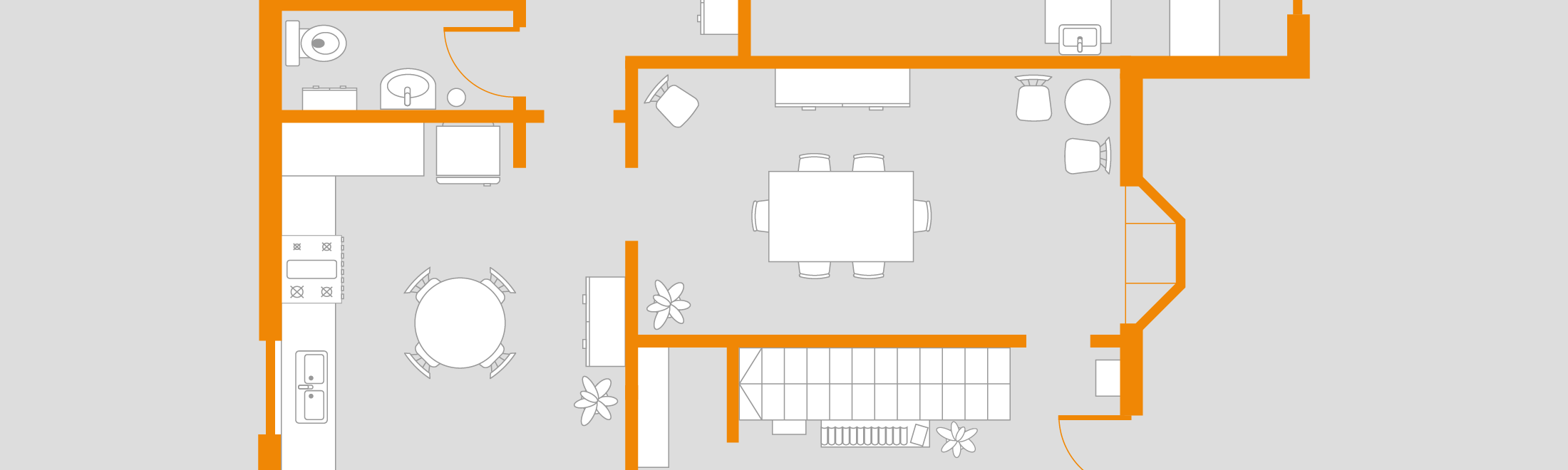
With draw.io you have the possibility to create your own floor plans.

Create floor plans with draw.io in Confluence

Floor plans: Diagrams with a Birds-Eye View Even if you haven't really gotten into diagramming yet, chances are that you know still know what a floor plan looks like. Floor plans are super useful and not just when you want to buy a house or rent an apartment,…

By Belinda Roozemond |

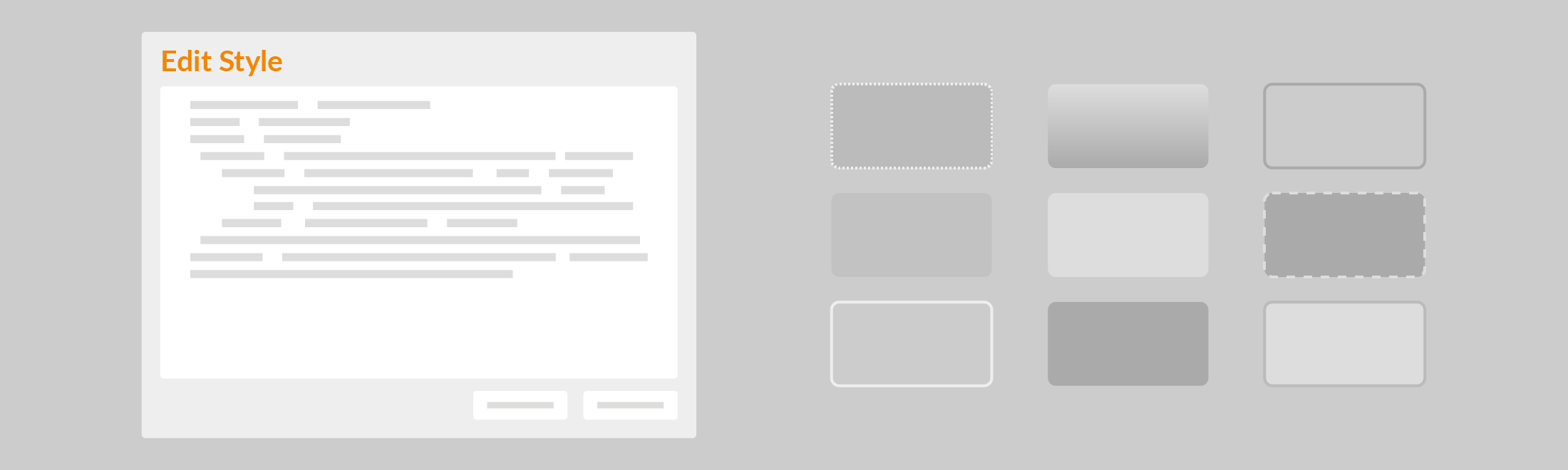
In draw.io you can edit the code that represents the shape or connector directly

Shape styles in draw.io

draw.io is a diagramming tool that is capable of creating very complex diagrams using highly customizable shapes. Of course, you can use the format panel on the right to change the colors, text, alignment and other settings for your shapes and connectors. And…

By Kymberly Fergusson |

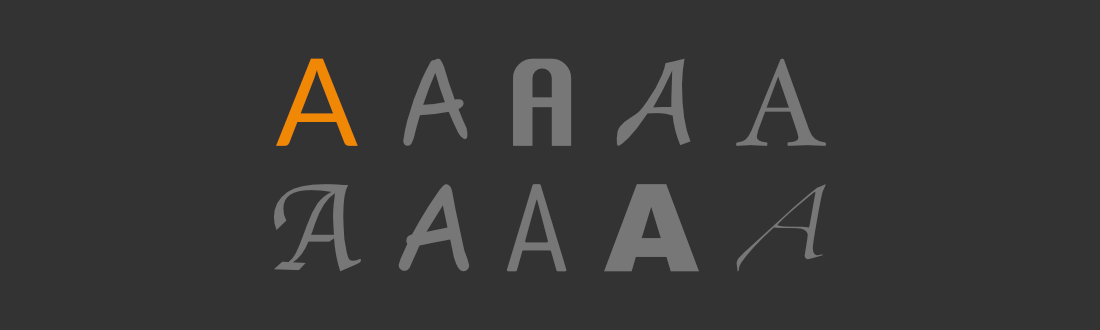
You can use your own fonts in draw.io to make your diagrams more interesting or to match the text to your company’s corporate style guide

Use Your Own Fonts in draw.io

You can use your own fonts in draw.io to make your diagrams more interesting or to match the text to your company's corporate style guide. You can use any fonts that are installed on your computer. Using installed fonts To use a custom font that is already…

By Kymberly Fergusson |

Experience the power of draw.io

How would you like to explore?

draw.io Digest – Subscribe to our Newsletter

Yes, I would like to receive the draw.io for Confluence and Jira newsletters, whitepapers, the latest blog posts, and announcements. (You can unsubscribe at any time.)

For more information about our data usage, please refer to our privacy policy.

Here you will find an overview of all cookies used. You can give your consent to whole categories or display further information and select certain cookies.