
Sign up for our free webinar Visualize it: The Secret of High-Performing Teams

Sign up for free webinar

Blog — learning

152 Results for: learning

UML class diagrams in draw.io

UML class diagrams in draw.io

The Unified Modeling Language or UML notation is probably the most well known and regularly used visual representation of programs that you'll find in software development. There are a wide range of diagrams to help you specify your data and processes before…

By Kymberly Fergusson |

Create UML activity diagrams in draw.io

Create UML activity diagrams in draw.io

There is a huge list of diagrams that can help you visually model your software programs before you develop them. Plus you can model any and all types of processes (business, manufacturing, sales, etc.) Unified Modelling Language (UML) provides you with a…

By Kymberly Fergusson |

UML use case diagrams with draw.io

UML use case diagrams with draw.io

Use case diagrams in UML are used during the requirements phase of software development - they usually put the system requirements into a diagram format, and it's easy to see what actions a system must support at a glance. Of course, there will be many use…

By Kymberly Fergusson |

You can use Venn diagrams in draw.io to group,compare and contrast anything based on their shared or different traits.

Create Venn diagrams with draw.io

You can use Venn diagrams to group, compare and contrast anything based on their shared or different traits. For example, you can use Venn diagrams to: - classify groups of users of your computer system based on the permissions they will be assigned or the…

By Kymberly Fergusson |

Use draw.io to mockup your mobile apps

Use draw.io to mockup your mobile apps

You wouldn't just start coding your mobile app without creating a few mockups of the user interface first. And draw.io makes this easy! But should I create a mockup as soon as I have an app idea? No! First, you'll want to start with outline the tasks that…

By Kymberly Fergusson |

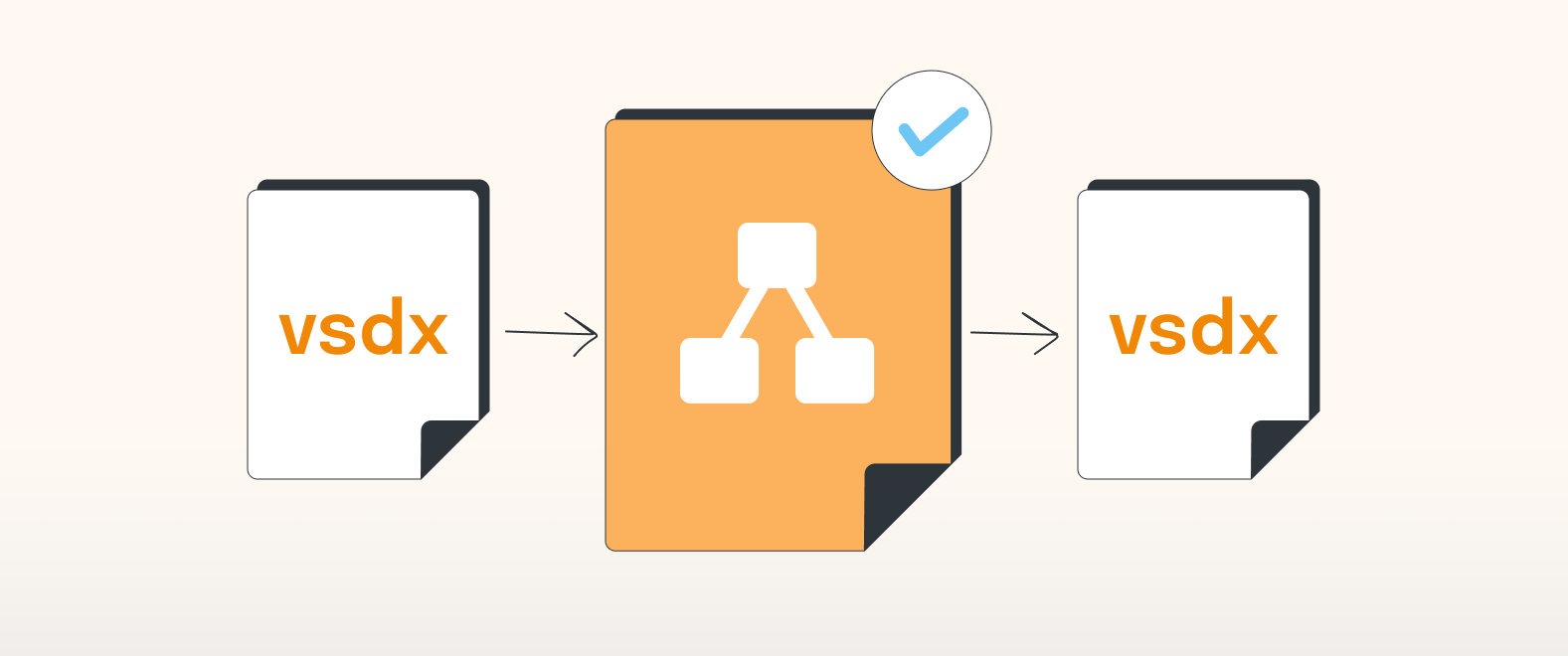
Import VSDX files

Import VSDX files

It's easy to work with files of other formats in draw.io. One of the more common diagramming formats, especially used in large companies, is the .vsdx format (Visio). Because not everyone in the company has access to this diagramming tool, they can use…

By Kymberly Fergusson |

Use anchors within draw.io to spice up a long Confluence page and capture the attention of your users

Using anchors within draw.io in Confluence

Confluence Server only If you are using Confluence, I'm sure you have extremely long pages, somewhere within your intranet. Anchors can make a long page more readable. You don't want to have to scroll through the whole page to get an overview from the many…

By Kymberly Fergusson |

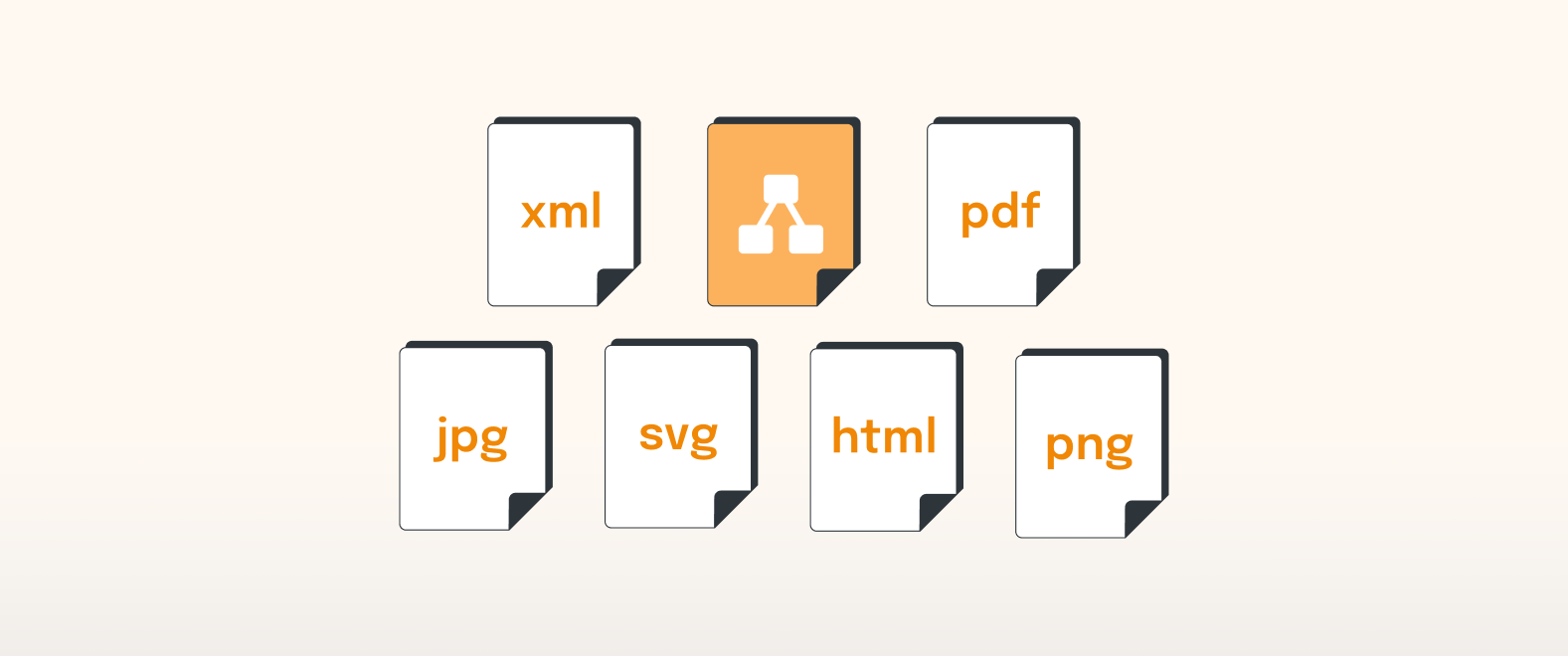
Which format should I export a diagram to?

Which format should I export a diagram to?

As with most drawing tools, you can export to a wide range of formats with draw.io. Right now, you can export a diagram to: - Diagramming tool formats: .xml - Document formats: .pdf and .html - Vector graphics format: .svg (with embedded XML) - Image formats:…

By Kymberly Fergusson |

draw.io - Line jumps in are used to show that lines cross each other, but do not connect

draw.io Now Supports Line Jumps

You asked for it, and we have delivered! Line jumps, also known as edge jumps or bridges, are used to show that lines cross each other, but do not connect. They can be used in electrical diagrams or in any diagram where you have connecting arrows that cross…

By Kymberly Fergusson |

As part of our preparations for the Atlassian Summit, we have developed a training course for drawio. It is intended to provide a deeper understanding of the diagrams and help the user to work more effectively and efficiently.

draw.io Self-Directed Training Course

New to draw.io, or prefer video format? Our draw.io Beginner Academy on YouTube covers everything you need to get started. As part of our preparation for Atlassian Summit Europe 2017, we created a self-directed training course for draw.io that walks new users…

By Kymberly Fergusson |

Three points why diagrams are important. 1. We don't have time to read. 2. Most people learn visually. 3. Visual IQ is increasing.

Infographic: Why Diagrams Are Important

To go with our earlier blog post explaining why diagrams are so powerful and important, we've created a new infographic. You can use this to persuade your co-workers and management to make draw.io available to everyone in your company - you'll see increased…

By Kymberly Fergusson |

Experience the power of draw.io

How would you like to explore?

draw.io Digest – Subscribe to our Newsletter

Yes, I would like to receive the draw.io for Confluence and Jira newsletters, whitepapers, the latest blog posts, and announcements. (You can unsubscribe at any time.)

For more information about our data usage, please refer to our privacy policy.

Here you will find an overview of all cookies used. You can give your consent to whole categories or display further information and select certain cookies.