Sign up for our free webinar Visualize it: The Secret of High-Performing Teams

Sign up for free webinar

Blog

Import VSDX files

Import VSDX files

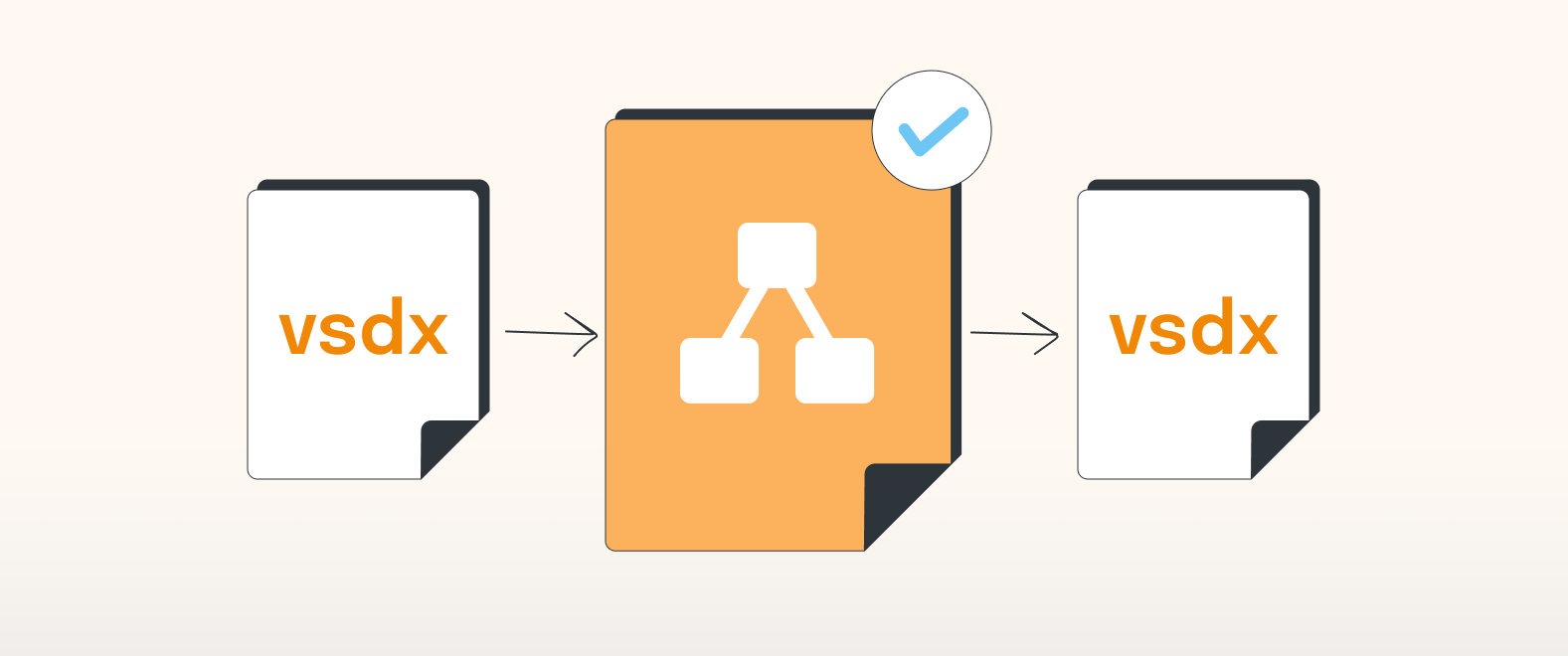
It's easy to work with files of other formats in draw.io. One of the more common diagramming formats, especially used in large companies, is the .vsdx format (Visio). Because not everyone in the company has access to this diagramming tool, they can use…


By Kymberly Fergusson|

the diagramming tool draw.io is now a Trello Power-Up

draw.io is now available as a Trello Power-Up!

draw.io is now a Trello Power-Up! Just like how diagramming can be used in a huge range of situations, Trello is a powerful and flexible tool that can be used for any and all types of projects, from marketing, HR and sales, through to software development and…

By Kymberly Fergusson|

First time using the diagramming tool draw.io

First time using draw.io: It's easy to use!

I recently had the chance to do a short apprenticeship (Praktikum) at //SEIBERT/MEDIA. It was fantastic, filled with lots of great food, fantastic co-workers, and useful experiences. One of those experiences was to try out draw.io in Confluence for the first…

By Henry Meier|

Use anchors within draw.io to spice up a long Confluence page and capture the attention of your users

Using anchors within draw.io in Confluence

Confluence Server only If you are using Confluence, I'm sure you have extremely long pages, somewhere within your intranet. Anchors can make a long page more readable. You don't want to have to scroll through the whole page to get an overview from the many…

By Kymberly Fergusson|

Which format should I export a diagram to?

Which format should I export a diagram to?

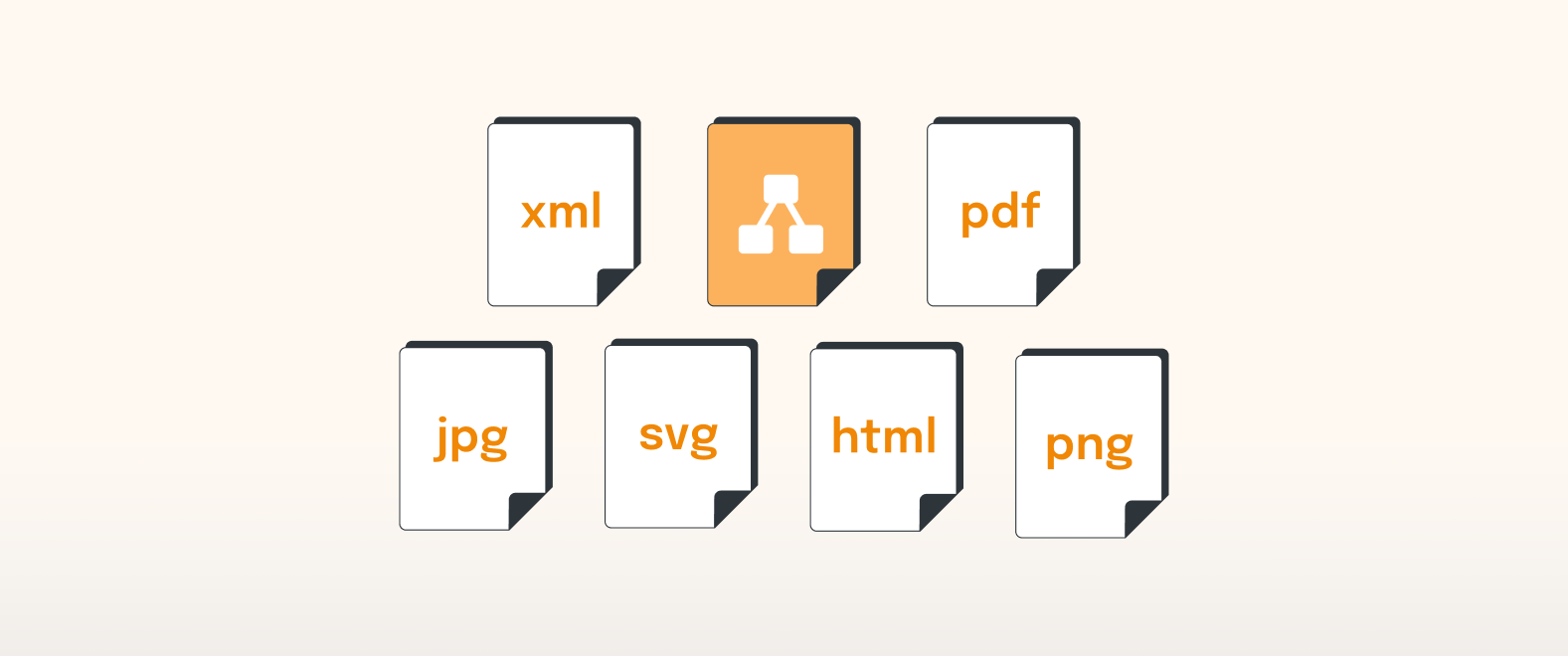
As with most drawing tools, you can export to a wide range of formats with draw.io. Right now, you can export a diagram to: - Diagramming tool formats: .xml - Document formats: .pdf and .html - Vector graphics format: .svg (with embedded XML) - Image formats:…

By Kymberly Fergusson|

Edit a draw.io diagram from view mode in Confluence

Edit a diagram from view mode in Confluence

There are many times when you simply want to update a diagram but don't want to change any of the text on a page within Confluence. That's easy to do with draw.io: Simply hover over the diagram while you are looking at the page in view mode to display the…

By Kymberly Fergusson|

Thanks for coming to see our draw.io Team at Atlassian Summit 2017

Thanks for coming to see us at Summit 2017!

We had an incredible time at Summit 2017. It was great to meet and talk with so many new people, and catch up with everyone we had met before. You gave us a mountain of new ideas and inspiration! The first-ever Add-on Discovery Day was a great success.…

By Kymberly Fergusson|

draw.io - Line jumps in are used to show that lines cross each other, but do not connect

draw.io Now Supports Line Jumps

You asked for it, and we have delivered! Line jumps, also known as edge jumps or bridges, are used to show that lines cross each other, but do not connect. They can be used in electrical diagrams or in any diagram where you have connecting arrows that cross…

By Kymberly Fergusson|

draw.io - a good collaborative diagramming tool

What makes a good collaborative diagramming tool?

In today's business world, collaboration is key to beating your competition, keeping your customers happy and working with your suppliers and partners to improve your services and products. You need to collaborate with colleagues, within teams, across entire…

By Kymberly Fergusson|

Experience the power of draw.io

How would you like to explore?

draw.io Digest – Subscribe to our Newsletter

Yes, I would like to receive the draw.io for Confluence and Jira newsletters, whitepapers, the latest blog posts, and announcements. (You can unsubscribe at any time.)

For more information about our data usage, please refer to our privacy policy.

Here you will find an overview of all cookies used. You can give your consent to whole categories or display further information and select certain cookies.